 Capital Thread HQ
What does your venue really cost?
Sweet 16 Party Planner & Budget
Compare venues by their true total, keep the budget and vendors on track, collect RSVPs from phones and print a seating chart.
Made for: Parents and planners putting together a Sweet 16.
What it does
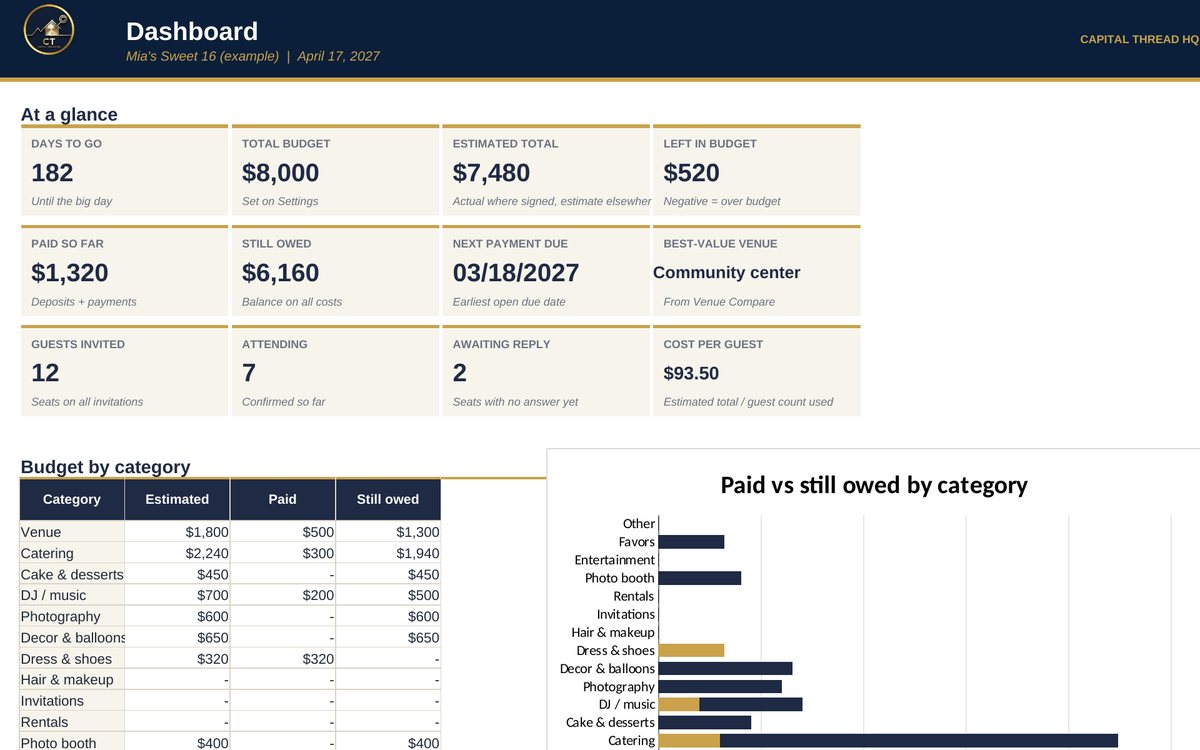
- Plans the whole event for the birthday girl: budget by category, a true-cost venue comparison, vendors and payments, the guest list and RSVPs.
- Guests can RSVP from their phone with a free Google or Microsoft Form. Paste the replies into the planner and the guest list, meal counts and per-guest costs update.
- Shows what you still owe and when, so no deposit or final payment sneaks up on you.
Watch the walkthrough
Jay walks through every tab with example numbers, so you know exactly how to set it up.
What's inside
12 tabs, including a Start Here guide. Example rows show the format; type over them with your own numbers.
How to set it up
- Settings: event name, date, total budget, planning guest count and RSVP deadline.
- Venue Compare: enter each venue's quote, including the fine print. The planner shows the true total, cost per guest and a best-value pick.
- Budget and Vendors: list every cost (Flat or Per guest) with deposits and due dates.
- Guests & RSVP: add guests. Make your RSVP form (questions are listed on the RSVP Form Import tab), then paste replies there as they come in.
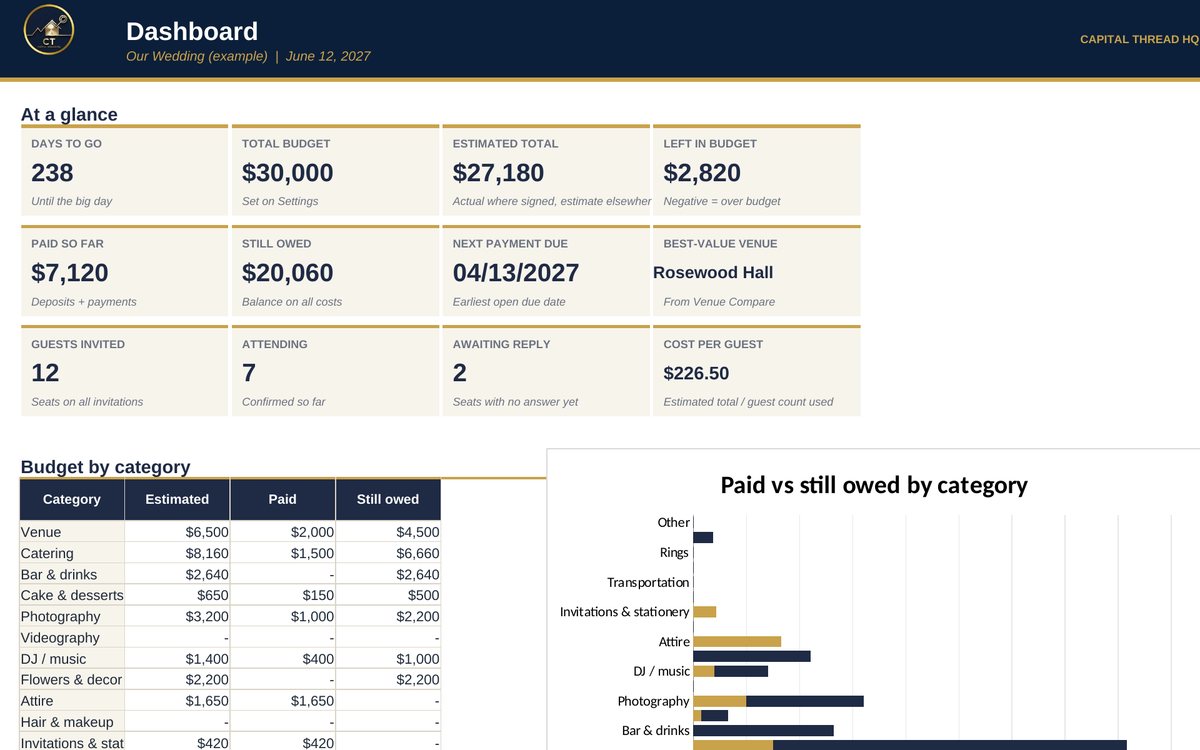
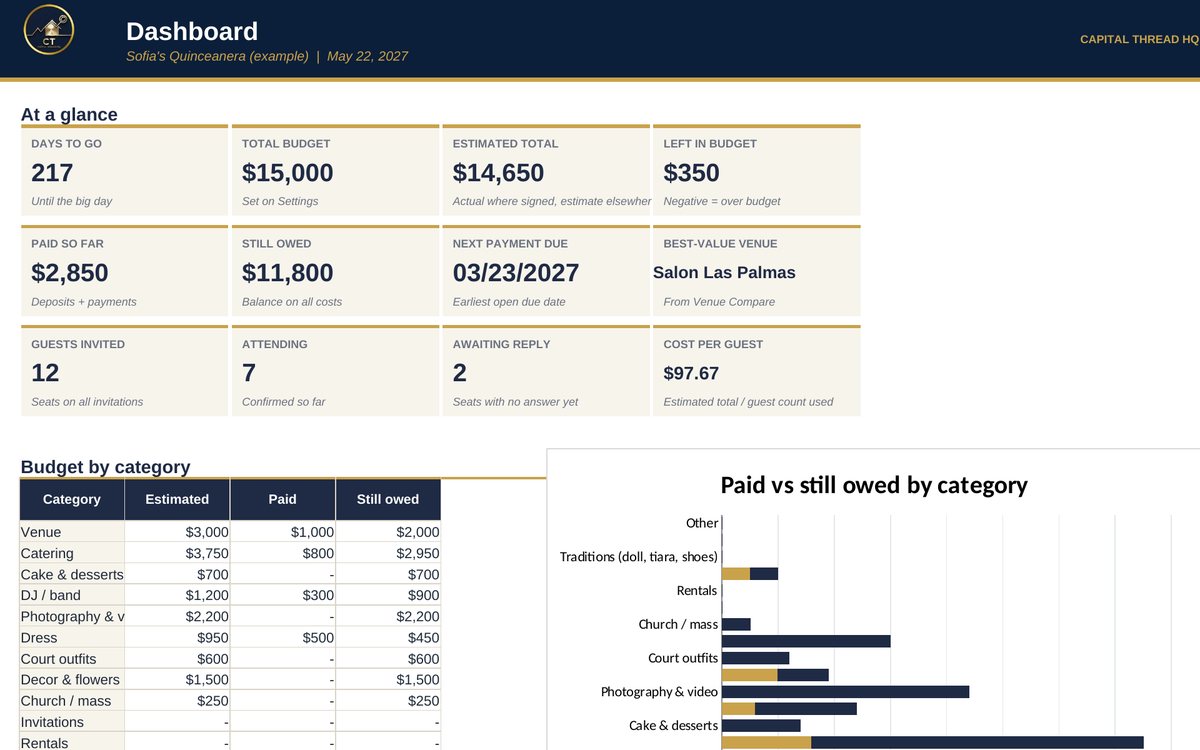
- Dashboard, Checklist and Day-Of: watch the countdown, payments due and headcount. Day-Of gives your caterer the meal counts.
Questions
Does it work in Google Sheets?
Yes. It is built in Excel and opens in Google Sheets: upload the file to Google Drive and choose Open with Google Sheets. Excel (desktop or Microsoft 365) gives the smoothest experience. Apple Numbers is not supported.
Do I need to know formulas?
No. Blue text on a yellow cell is something you type. Everything else calculates for you, and the Start Here tab explains each step.
How do I get the file?
Buy it on Etsy and download it instantly from your Etsy purchases. Nothing is shipped.
Is this tax or legal advice?
No. Tax figures are planning estimates to help you set money aside. Check with a tax professional for your situation.
Something else? Message us on Etsy or tap Ask Jay at the bottom of the page.